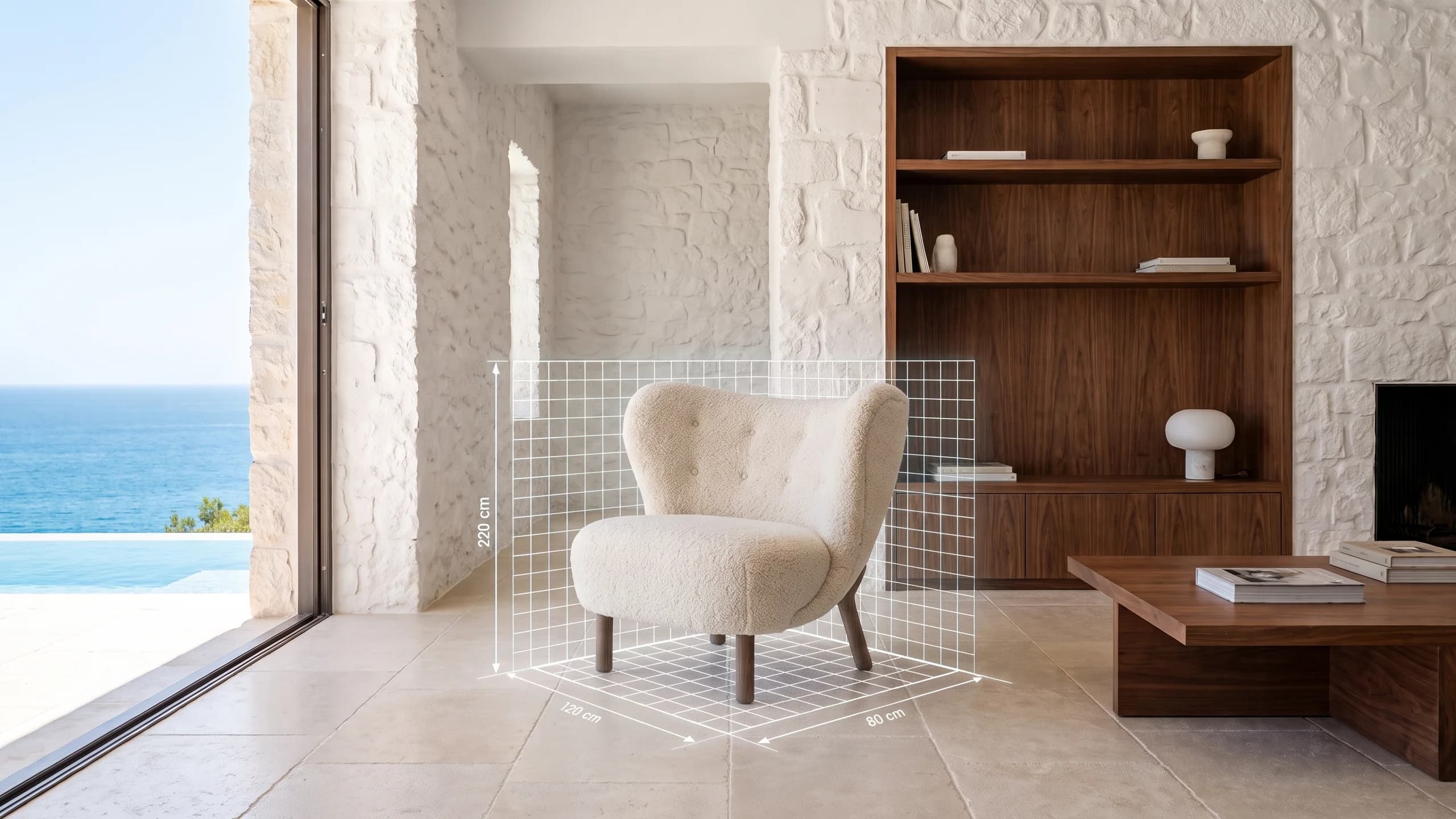
Your product, in your customer's room.
Show your products in 3D on the page, and let customers place them in their room with their phone to see the true size. No app to download, one link.
- 1:1
- Products at true scale in the room
- 4–8
- Photos are enough
- 0
- Apps to install
- 2
- Platforms: iPhone and Android
What is on the product page?
Every product on its own page, with everything a customer needs to decide in one place.
 141 cm42 cm
True Dimensions
Width, depth and height drawn on the model. In AR the product lands at exactly its size and cannot be pinched bigger or smaller.
3D Configurator
Switch between colour and finish options in one tap. Each option opens with its own true look, and AR places the colour you picked.
Info Points
Fabric, mechanism, material: tapping a point you placed on the model shows the details of that part.
Take-apart View
For multi-part models, the product opens up in one tap to show its inner structure and joints, and closes again in one tap.
View in Your Room
On iPhone and Android, with no app. Desktop visitors scan the QR code to continue on their phone; wall products land on the wall.
Ask on WhatsApp
From the product page, customers reach you in one tap with a ready-written message.

Let's bring your products into the room.
Tell us how many products you have and which photos you already have, and the first call goes faster.
Talk to sales